
SyncTeX
Bidirectional source-PDF navigation: jump from the cursor to the exact spot in the PDF, or Cmd/Ctrl-click a word in the PDF to land on it in the editor, across files.
SyncTeX is the link between your LaTeX source and the typeset PDF. Oleafly compiles with SyncTeX data enabled on every build, so both directions of the jump are always one gesture away.
Source to PDF: ⌘⇧J
Section titled “Source to PDF: ⌘⇧J”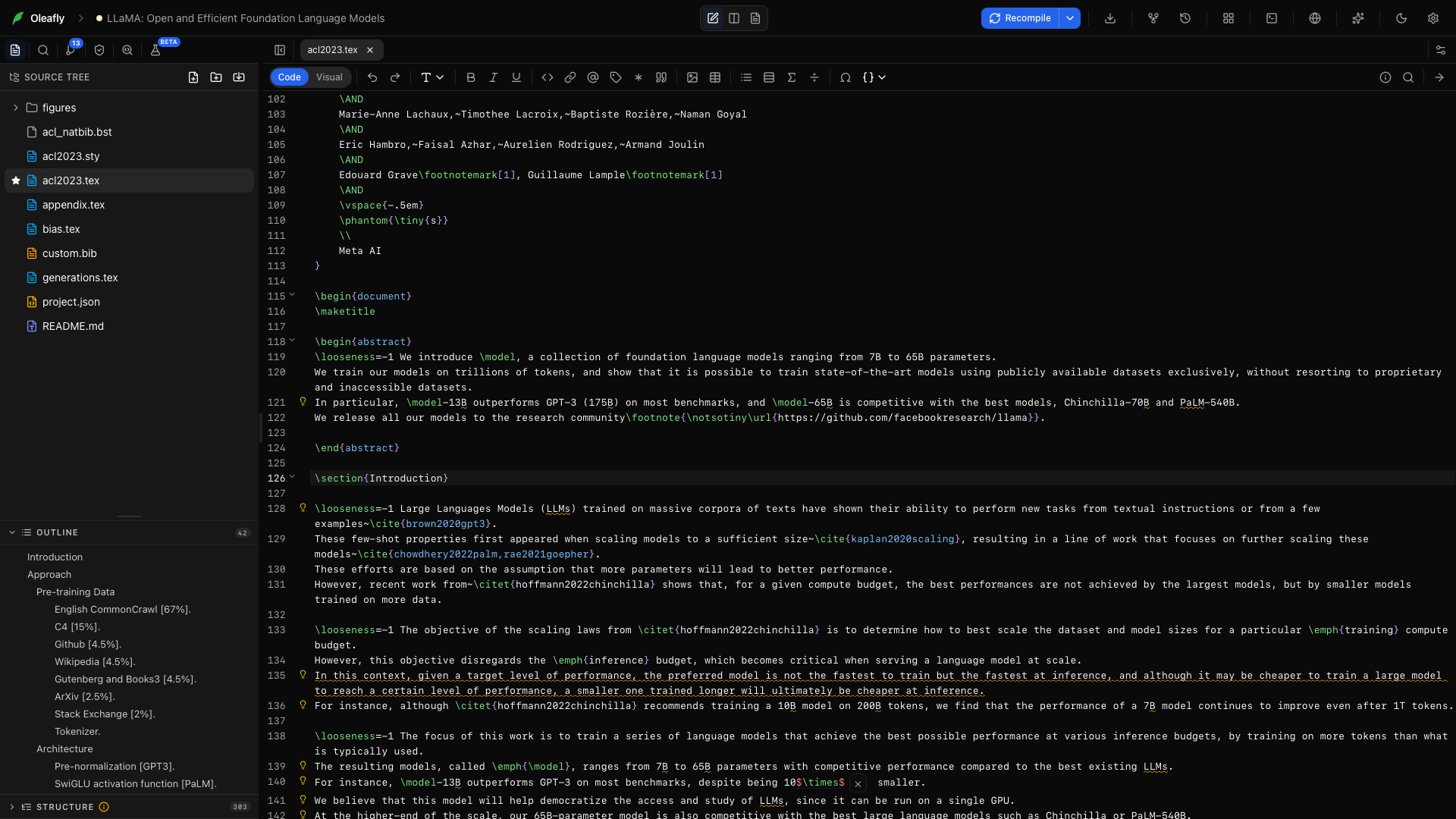
Put your cursor on any line and press ⌘⇧J (Ctrl+Shift+J). The PDF scrolls to the matching spot and flashes a blue highlight over it for a moment, so your eye lands exactly where your cursor was.
Two more ways to trigger it: the arrow button on the divider between the panes, and Go to PDF (SyncTeX) in the ⌘K palette.
It works across multi-file projects: a cursor inside chapters/methods.tex finds its typeset position in the combined PDF, because SyncTeX follows your \input structure.
PDF to source: ⌘-click
Section titled “PDF to source: ⌘-click”Hold ⌘ or Ctrl and the pointer over the PDF becomes a crosshair. Click a word to jump to it in the editor. Oleafly opens the right file first when the text came from an \input child.
Oleafly reads the PDF text layer to identify the word you clicked and places the cursor there instead of at the start of the line.
One precedence rule: ⌘-clicking a hyperlink in the PDF follows the link behavior instead of jumping.
When a jump does nothing
Section titled “When a jump does nothing”SyncTeX data comes from the last compile, so it can go stale:
- You edited since the last build. Recompile (⌘↵) and jump again.
- The line produces no visible output (a comment, a preamble line, a blank line). Put the cursor on a line with typeset text.
Where it doesn’t apply
Section titled “Where it doesn’t apply”- The detached preview window mirrors the PDF but does not accept SyncTeX clicks. Jump from the main window.
- Image projects for standalone figures skip SyncTeX because a one-page figure does not need it.